

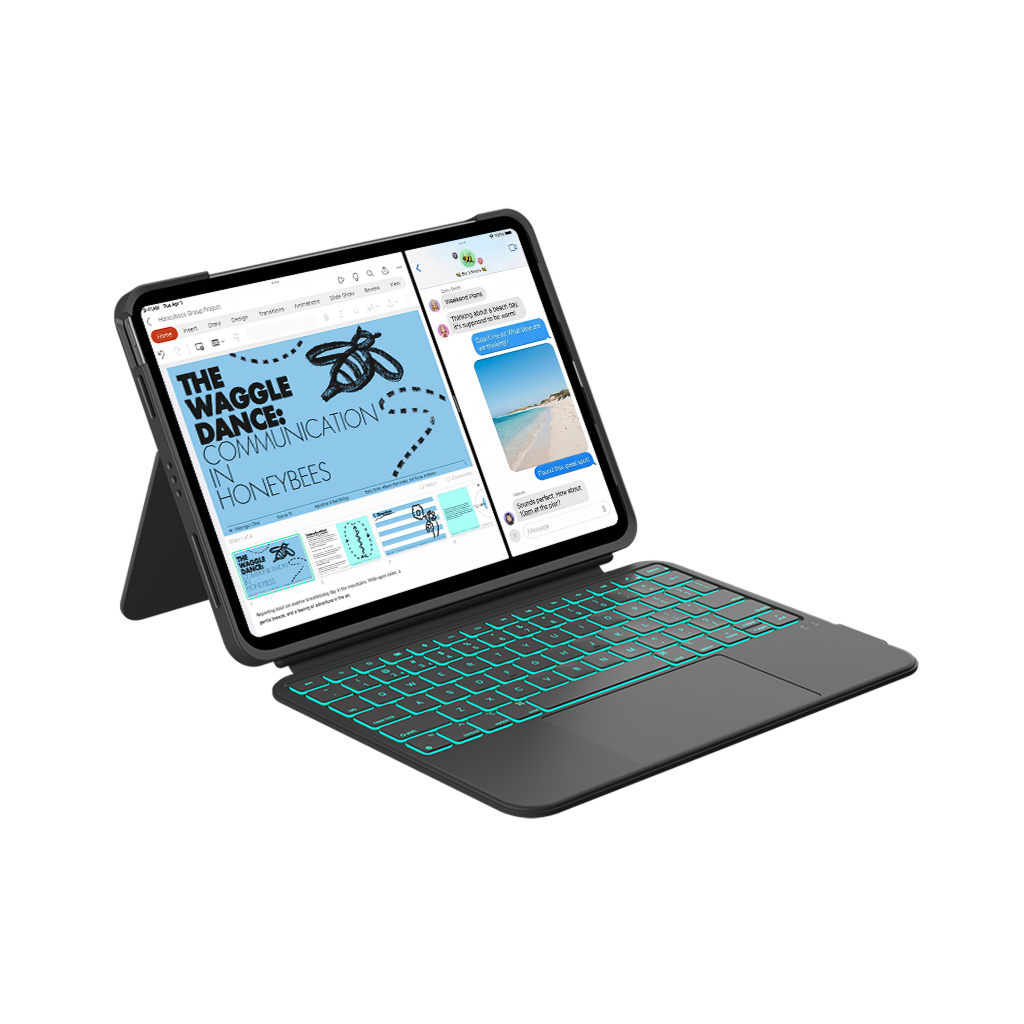
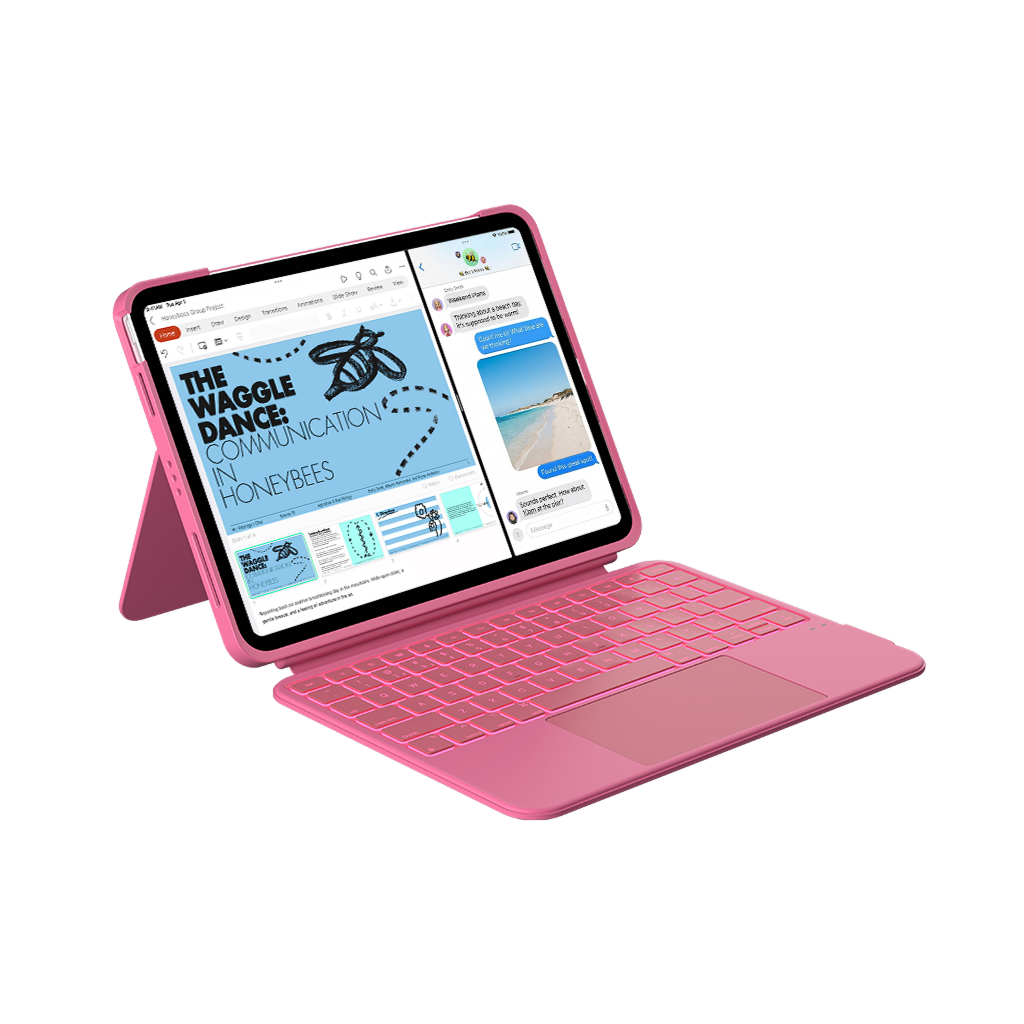

Folio Duo for iPad
More Ways to Work with iPad
In stock! Ships within 2-3 business days.
Worldwide Shipping Available
1-Year Warranty
Trusted by Millions of Customers
Folio Duo for iPad
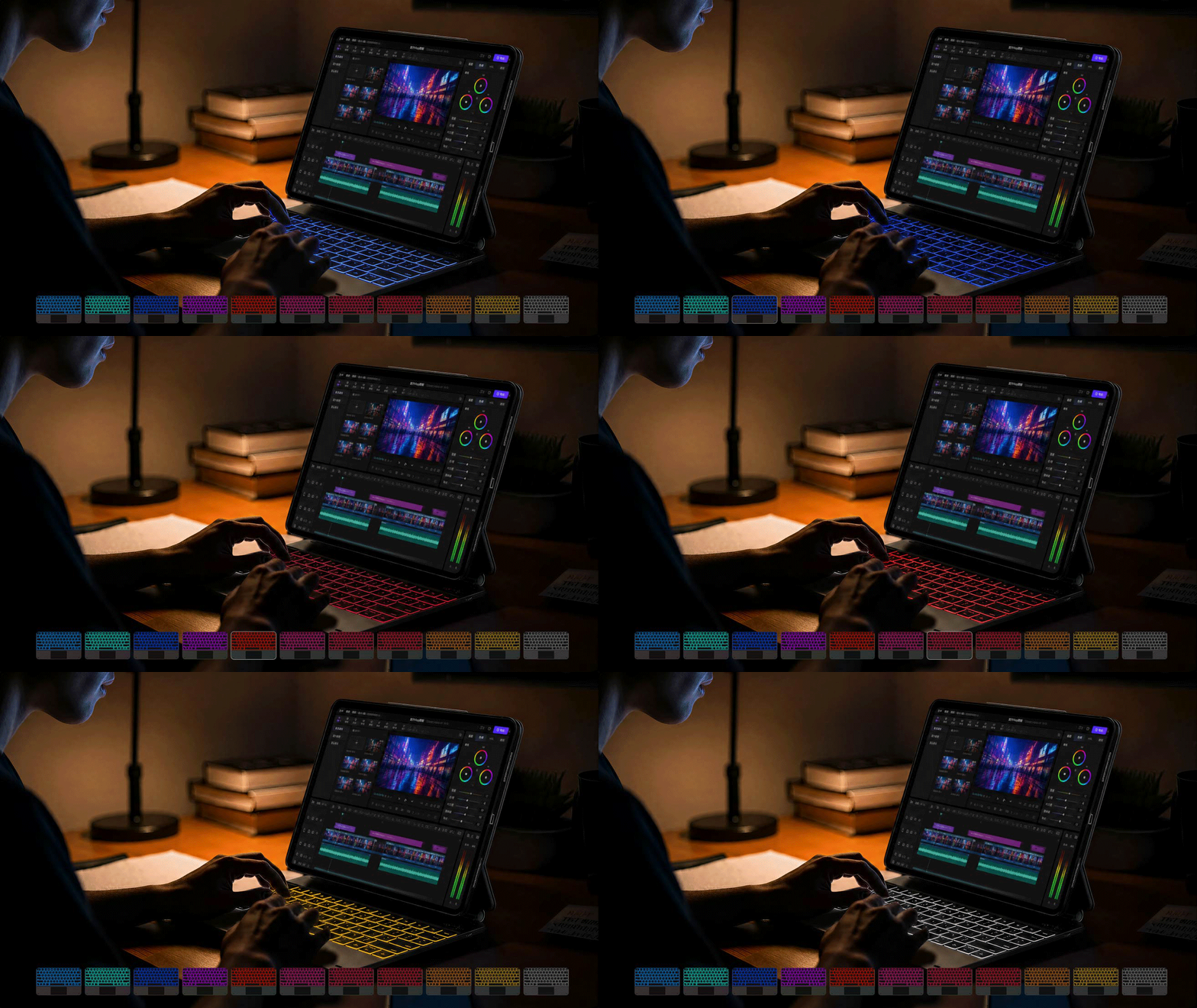
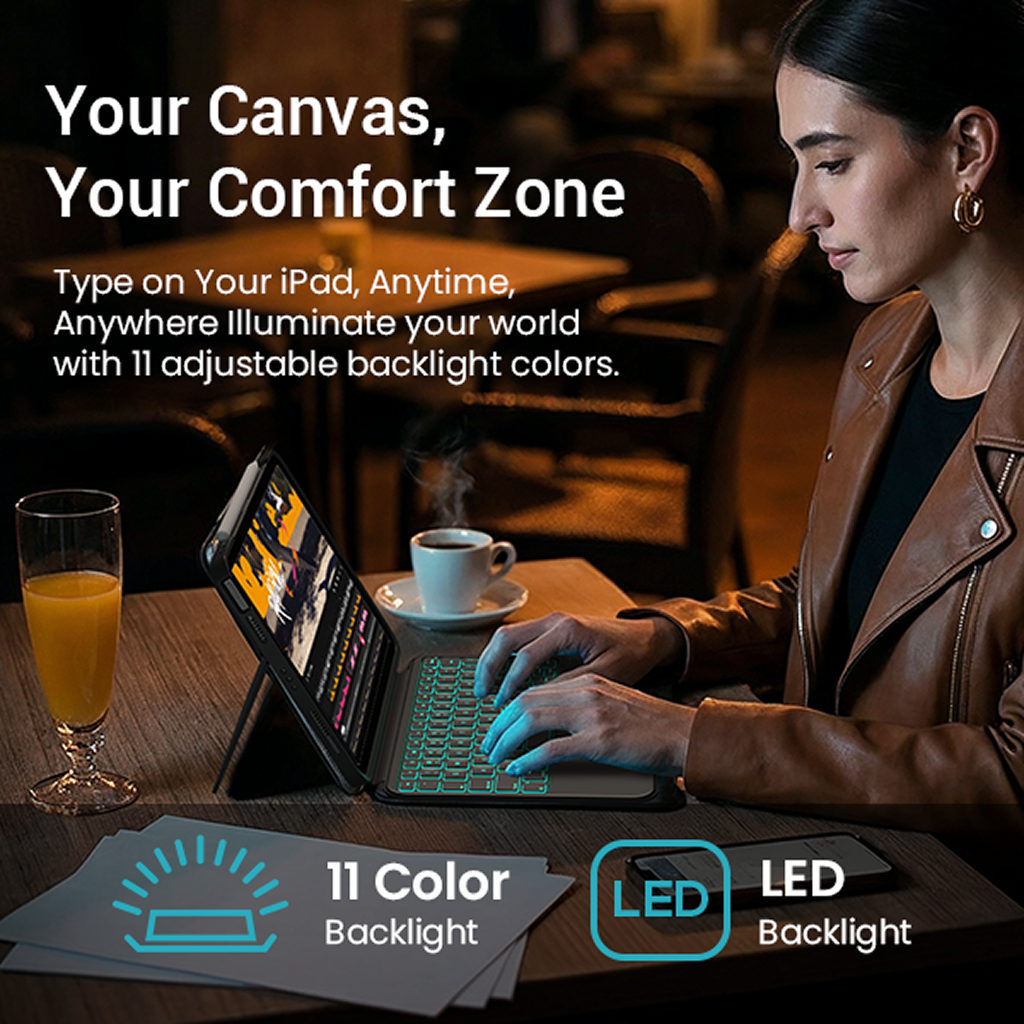
Light Up Your Way
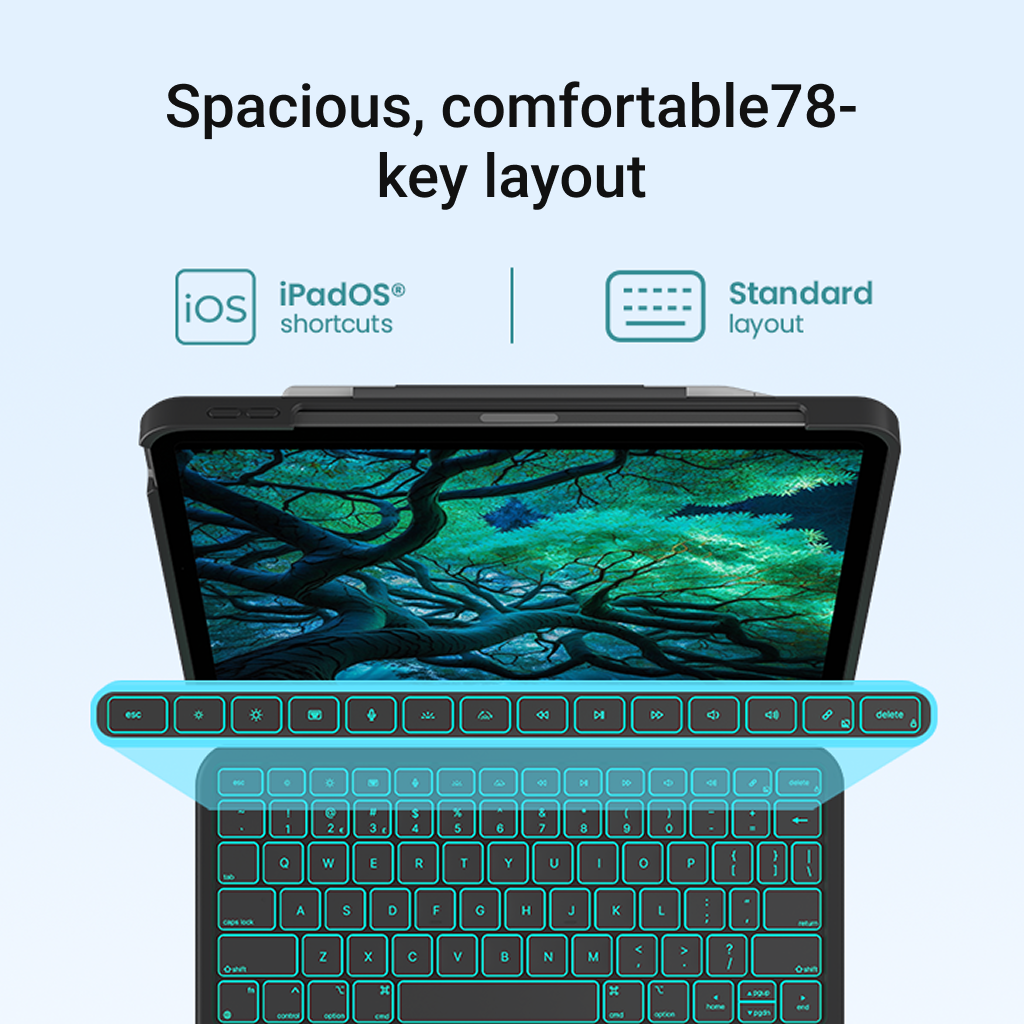
Choose from 11 backlight effects to match your mood, workspace, or late-night routine. See every key clearly while adding a personal touch to your setup.
1-YEAR WARRANTY
FREE U.S. SHIPPING

Snap On. Float Into Focus.
Magnetically attach your iPad in seconds and enjoy a clean, floating design that brings a laptop-like workspace to your desk.
Product details
Detachable Design & Viewing
Detachable Keyboard
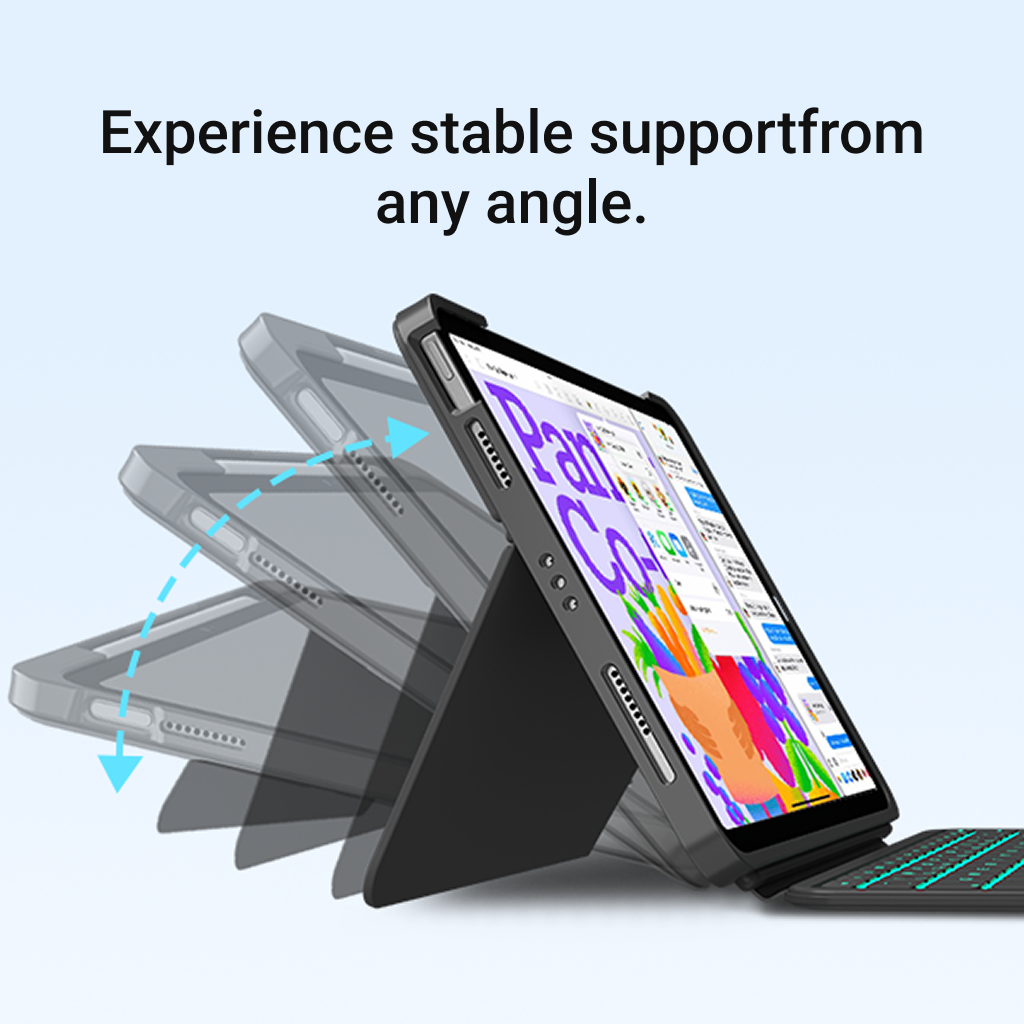
Flexible Rear Kickstand
Trackpad & Backlighting
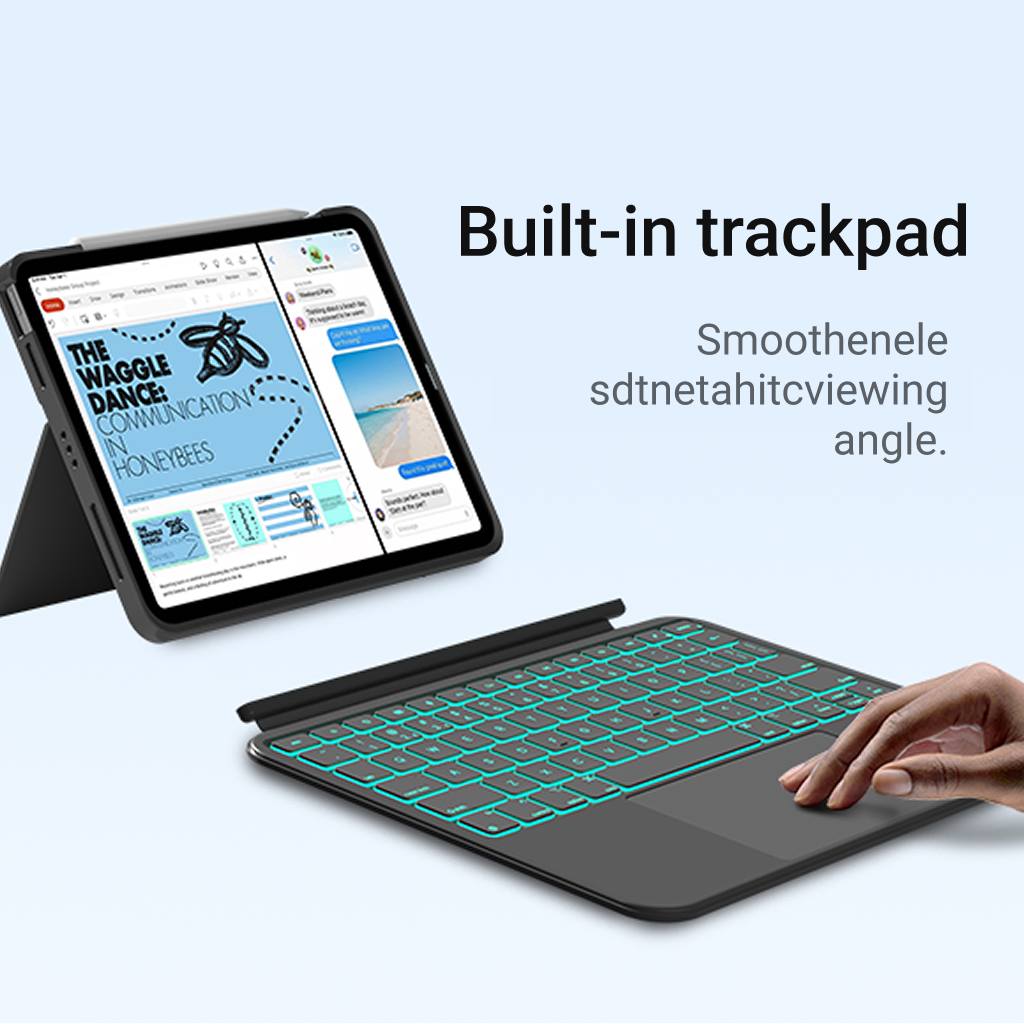
Responsive Trackpad
11-Color Backlighting
Battery & Bluetooth
Long-Lasting Battery
Stable Bluetooth Connection
Design & Specifications
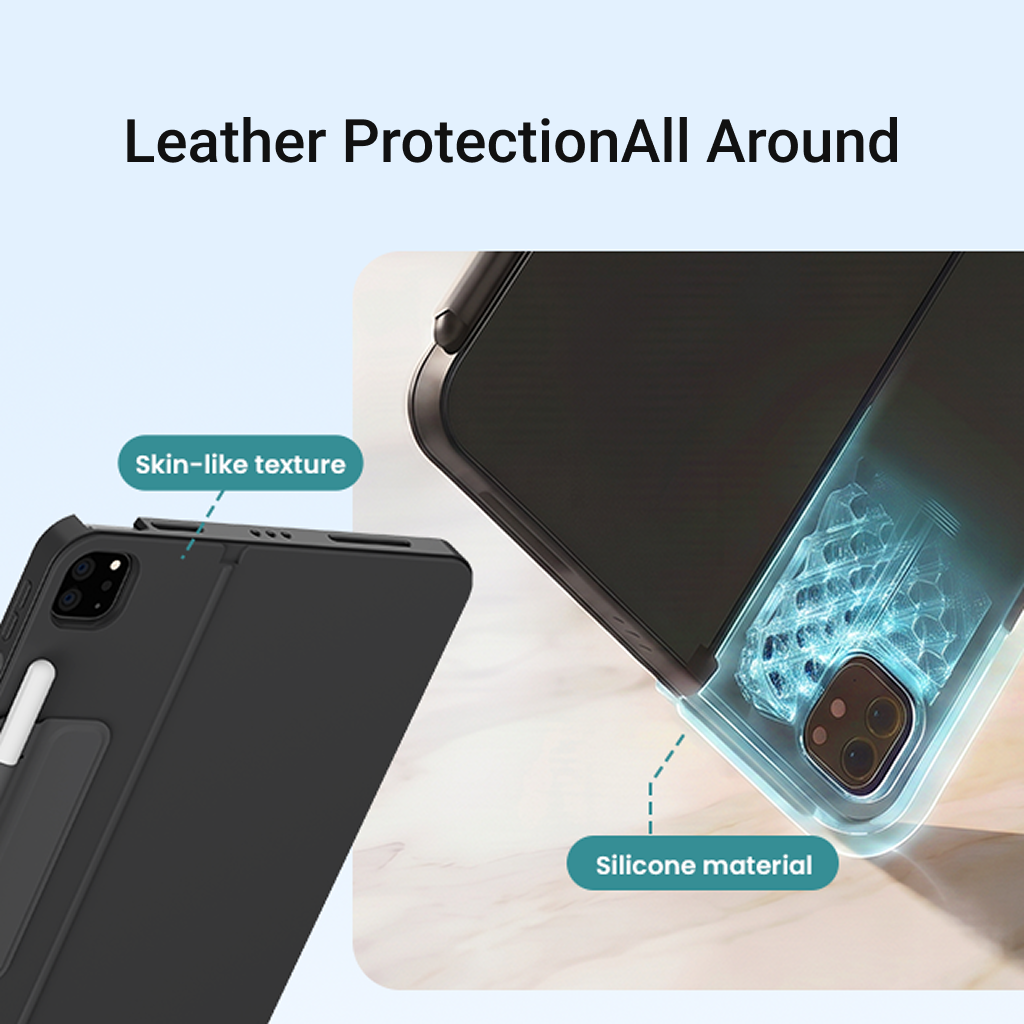
Protective Materials
Weight & Dimensions
Included in the Box

Protective Packaging

User Manual

Edge Keyboard Case

USB-C Charging Cable
ONE CASE. EVERY MODE.
From meetings and classwork to creative projects and downtime, Flexbook Touch adapts to whatever your day brings.




FAQs
Who is Folio Duo designed for?
Folio Duo is ideal for students taking notes, parents browsing or video calling at home, professionals handling emails and documents, and creators sketching ideas on the go.
Can I remove the keyboard?
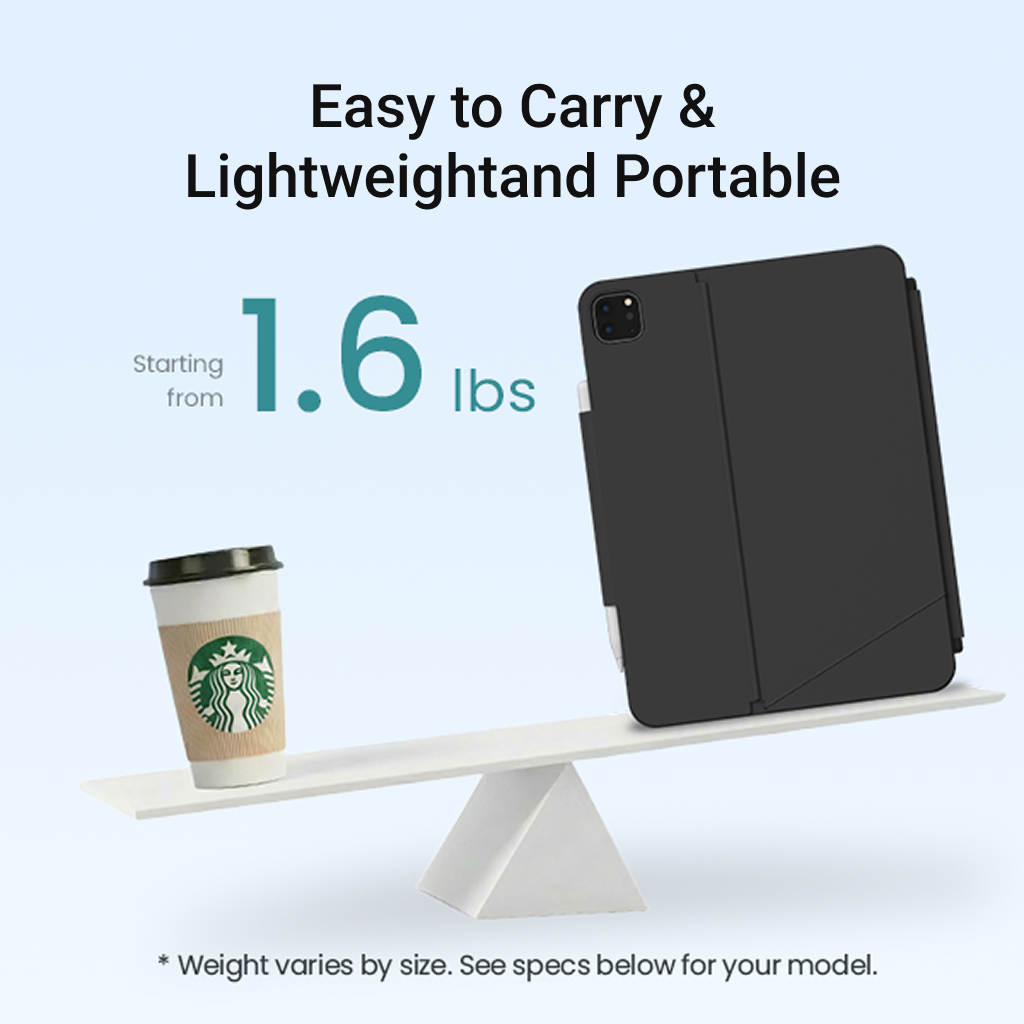
Yes. The keyboard detaches easily when you want a lighter setup for reading, sketching, watching videos, or carrying your iPad.
Can the iPad stand without the keyboard?
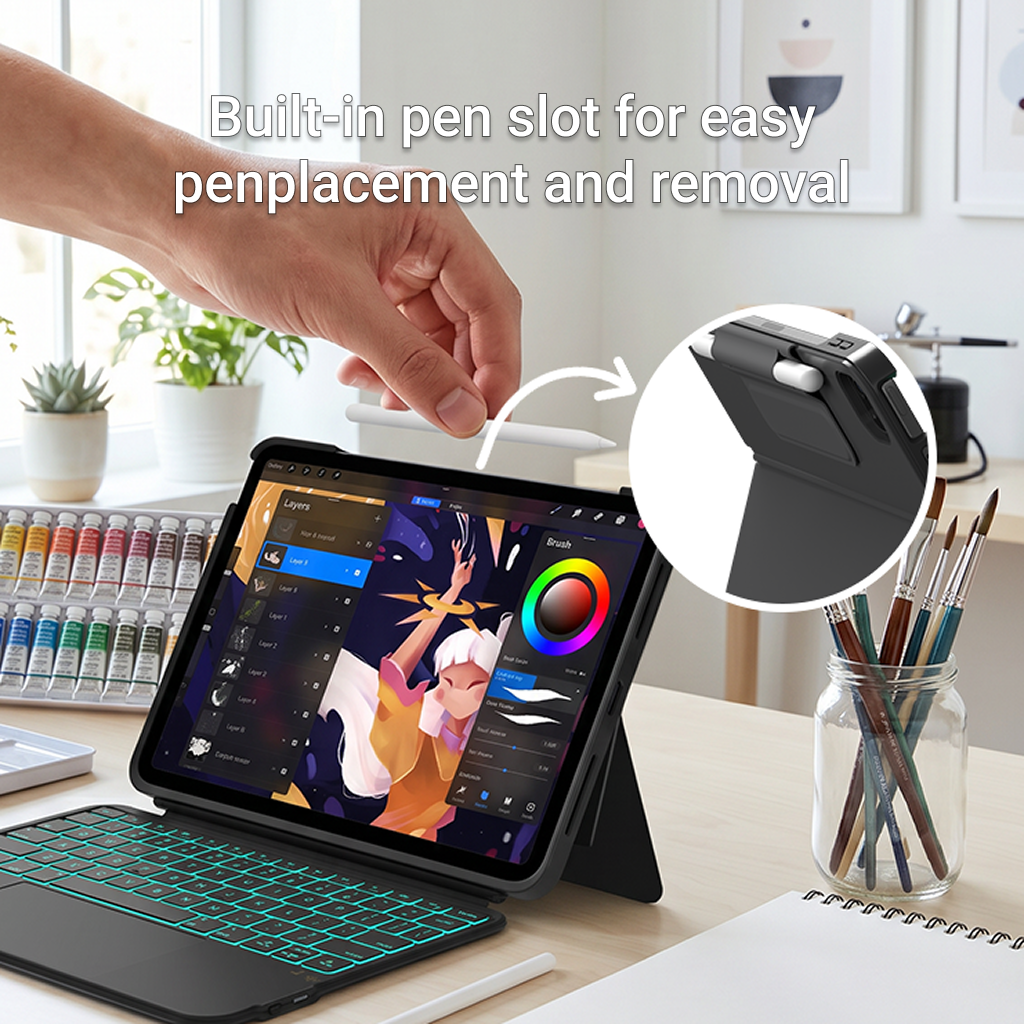
Yes. The built-in rear kickstand supports your iPad independently, so you can continue viewing, reading, or drawing after removing the keyboard.
What modes does Folio Duo support?
Folio Duo supports four everyday modes: Type, View, Sketch, and Read. Switch naturally between work, study, entertainment, and creativity.
Does Folio Duo protect my iPad?
Yes. The protective frame surrounds the edges and corners of your iPad, helping protect it from everyday scratches, bumps, and wear.